Description
Remote desktop control built for trusted private networks
LanDesk combines host and viewer roles in one portable Windows application. Connect computers over a trusted private IPv4 network without accounts, cloud services, relay servers, telemetry, an updater, or an Internet connection.
Key features
- Host and viewer included in the same portable application.
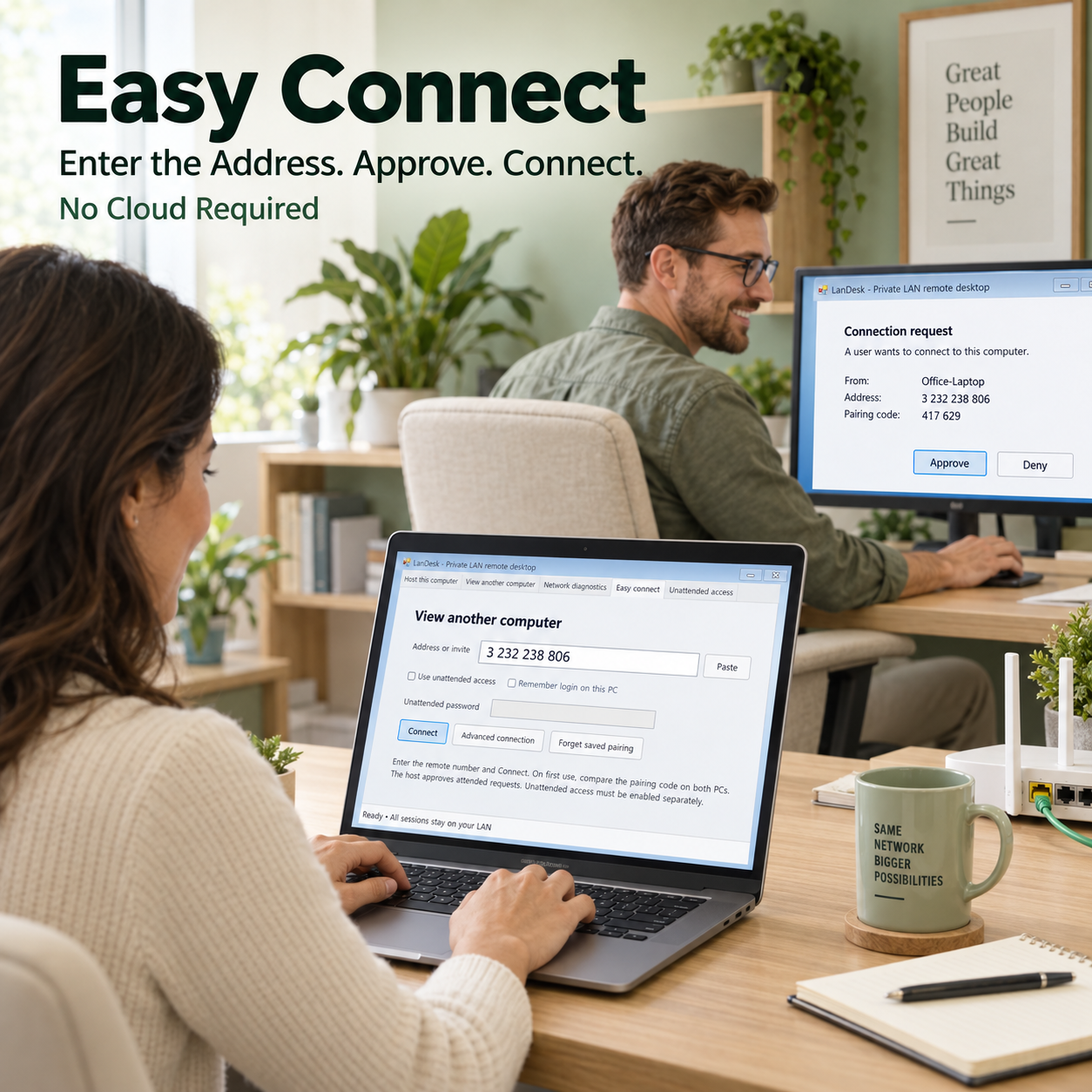
- Easy Connect flow with first-use pairing and local host approval.
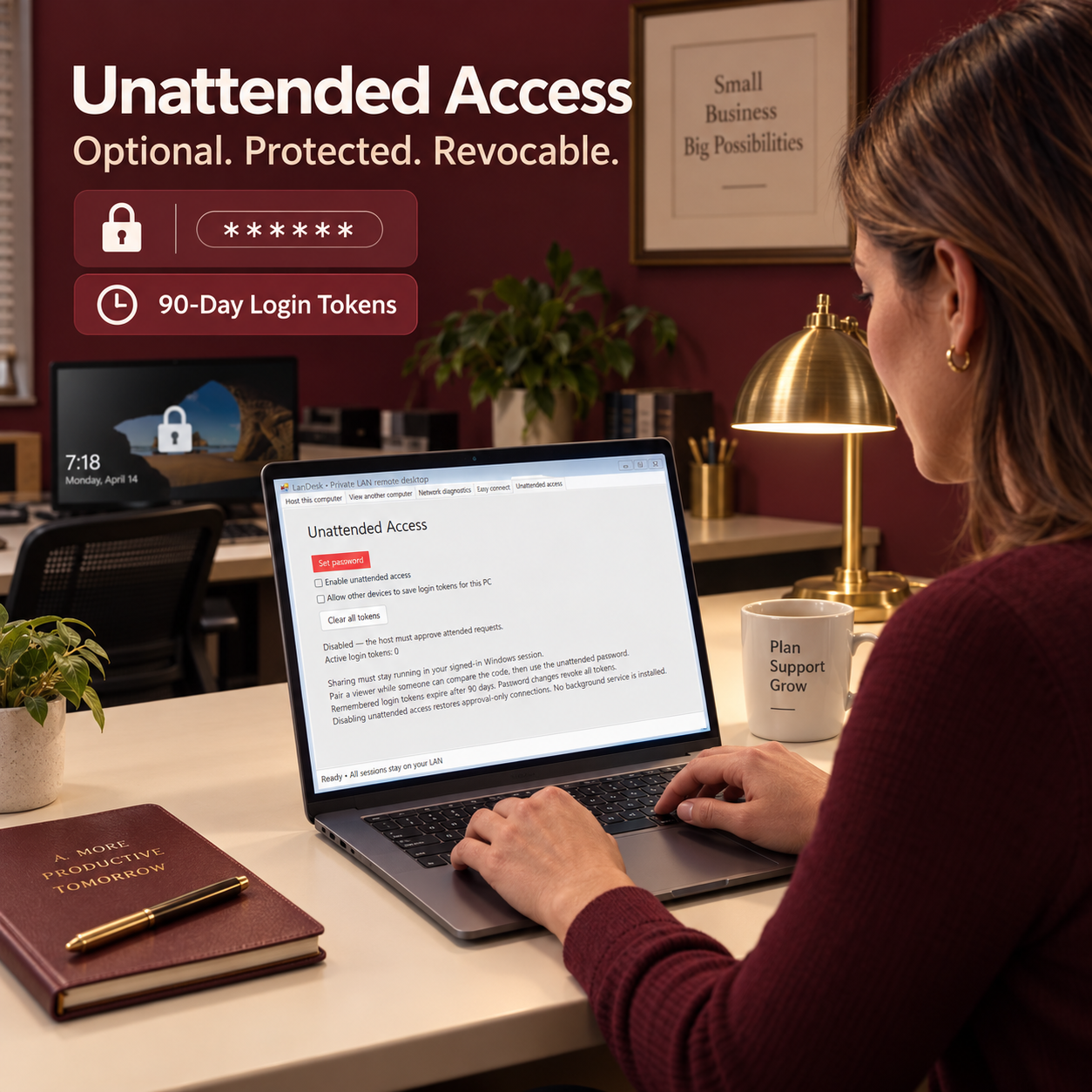
- Optional unattended access with password authentication and saved login tokens.
- TLS 1.2 transport with pinned certificate fingerprints.
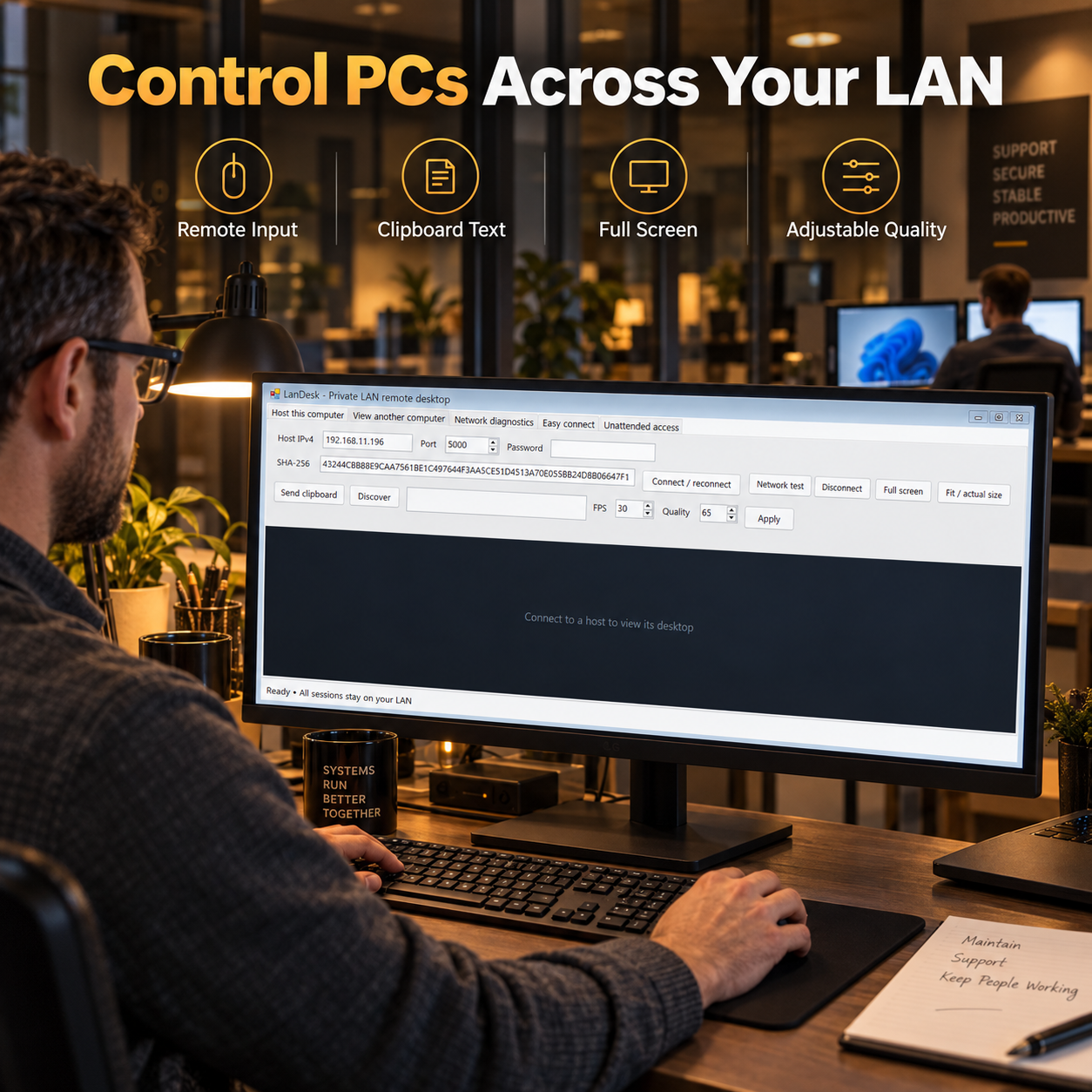
- Remote mouse and keyboard control, monitor selection, fullscreen viewing, and quality/FPS controls.
- Explicit text-only clipboard sharing, disabled by default.
- Supports up to four approved viewers; the first active viewer is the controller.
Requirements and important notes
Requires Windows 10 or 11 x64 and .NET Framework 4.8 or newer. The application is unsigned and intended for trusted private LAN use. Firewall access may be required for TCP port 5000 and optional UDP discovery on port 49999. It does not include audio, file transfer, a relay service, Internet remote access, or control of Windows secure desktops and UAC prompts.
Compare remote desktop software
Need Internet-based remote access? Compare BridgeDesk Remote Desktop for Windows.

Reviews
There are no reviews yet.